
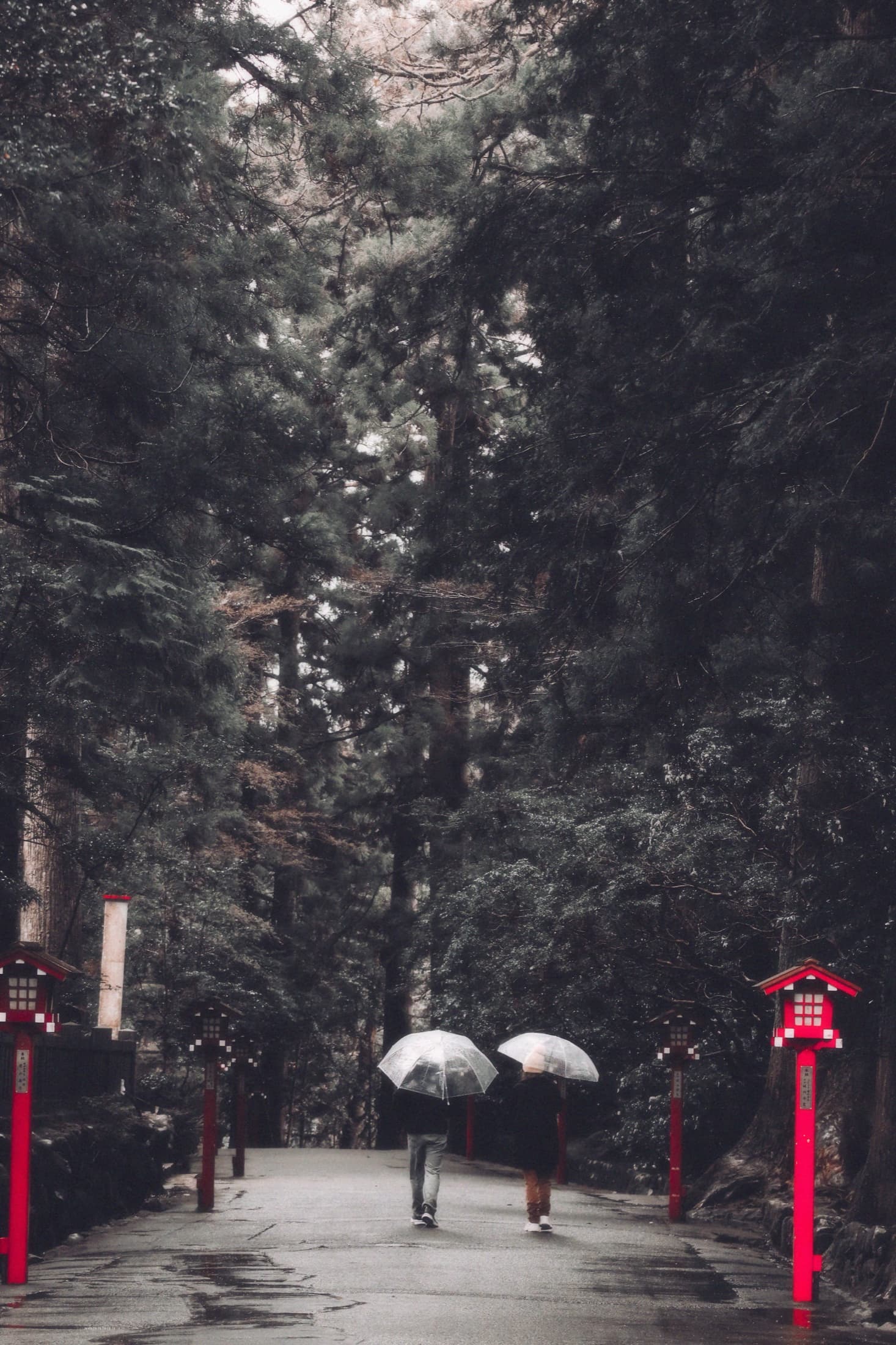
Every look,done right.
Over 200 presets — cinematic, film, black-and-white and more — plus pro colour tools, double exposure and a camera. All private, all on your iPhone. Nothing is uploaded, ever.
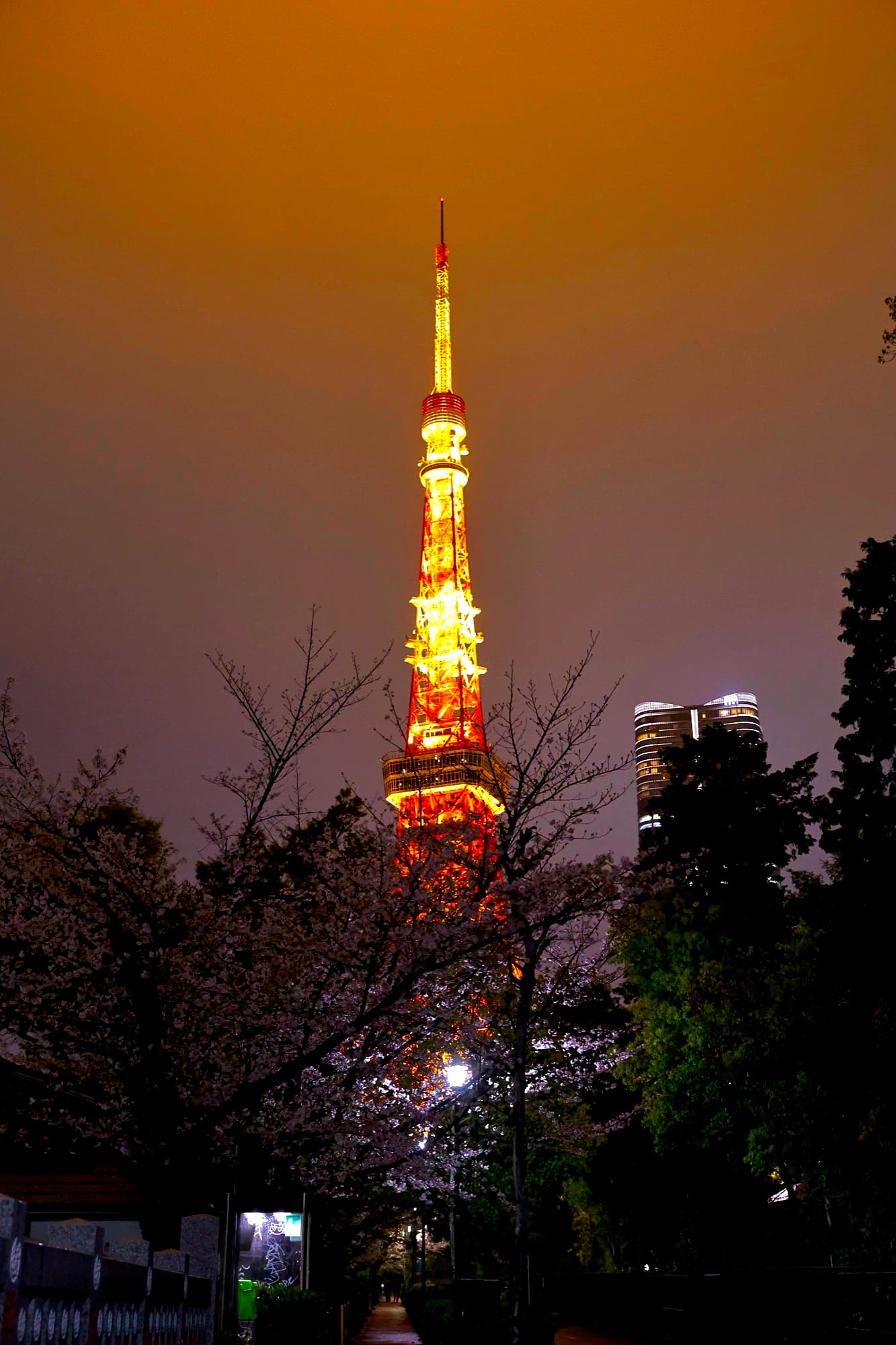
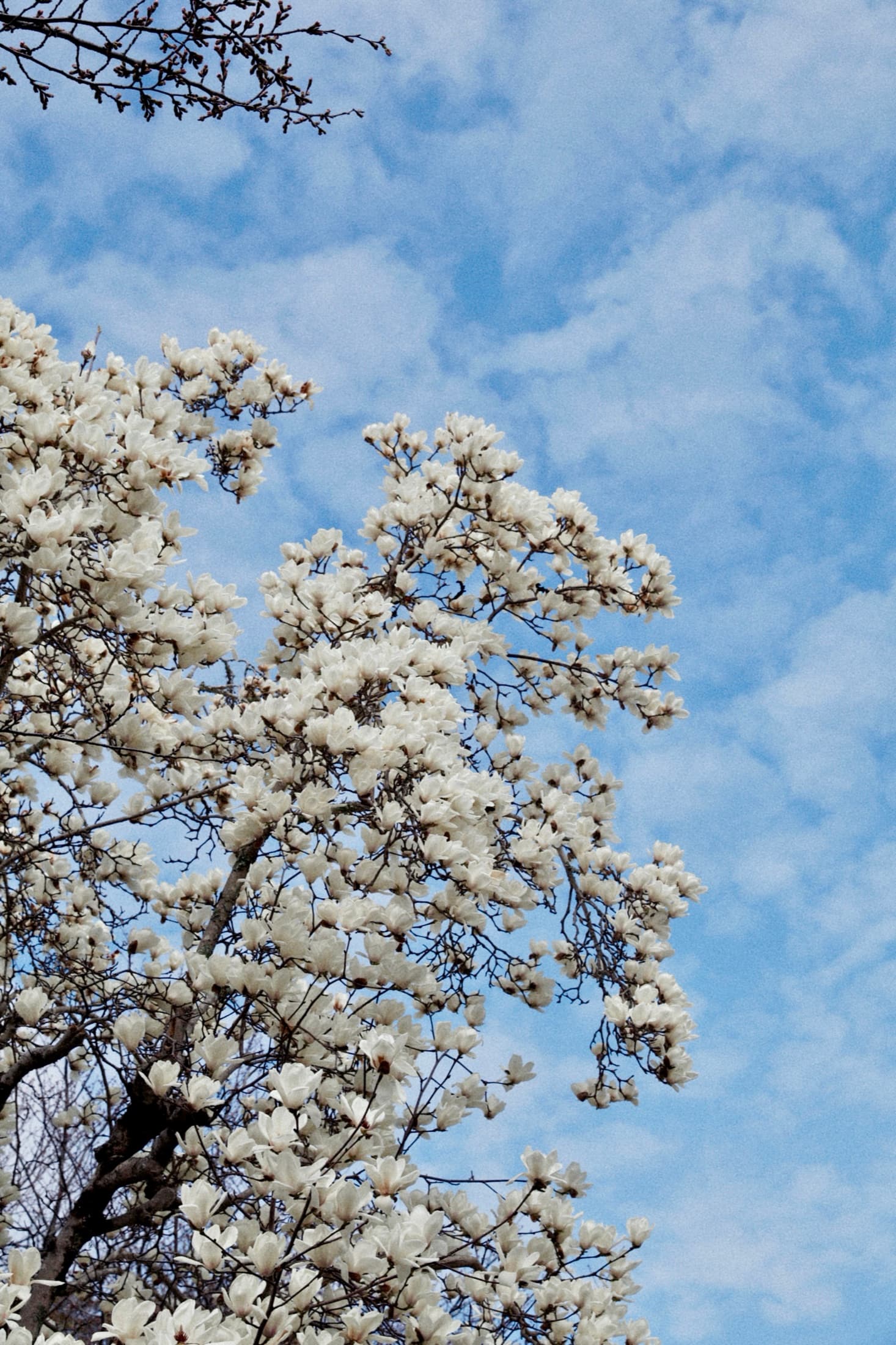
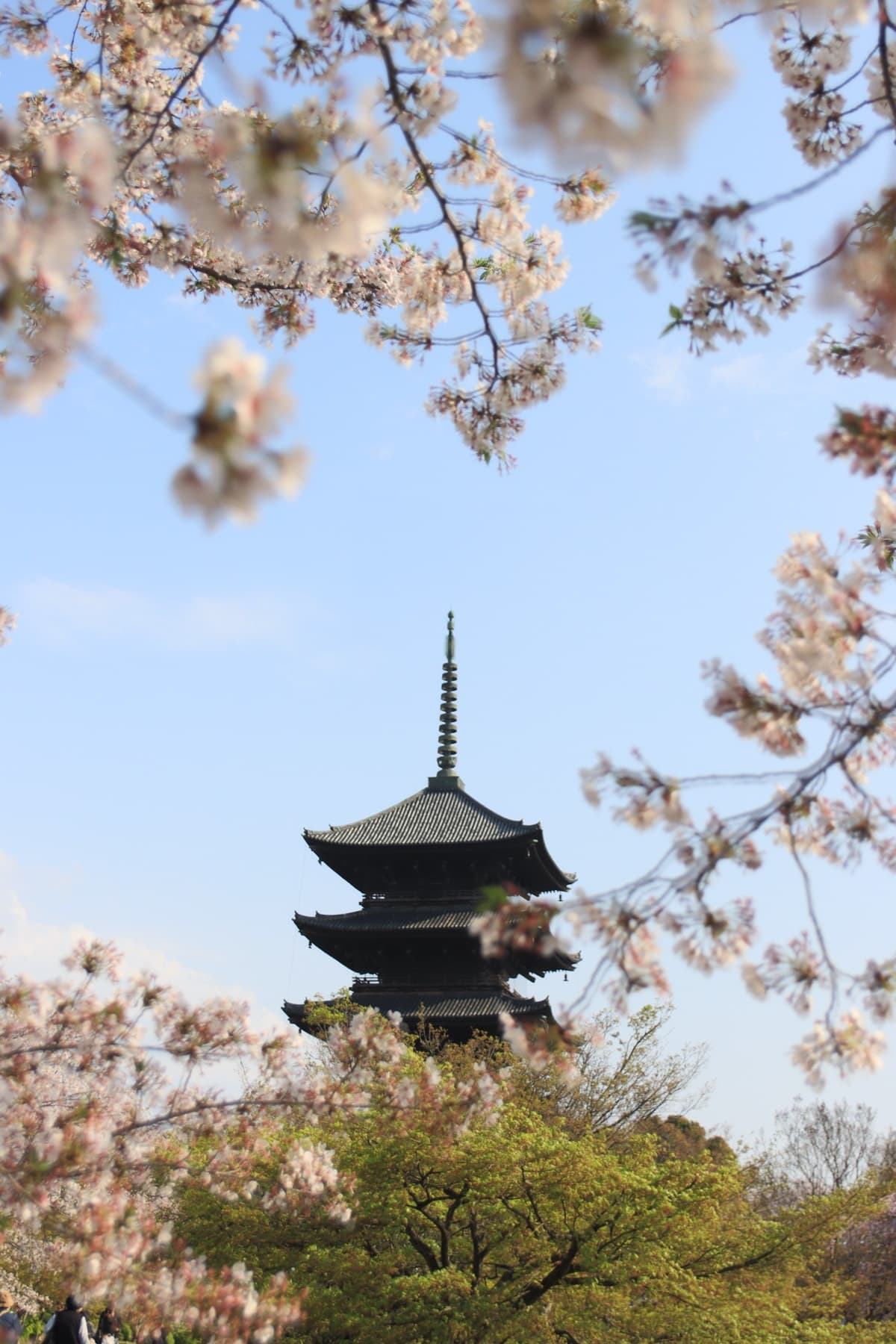
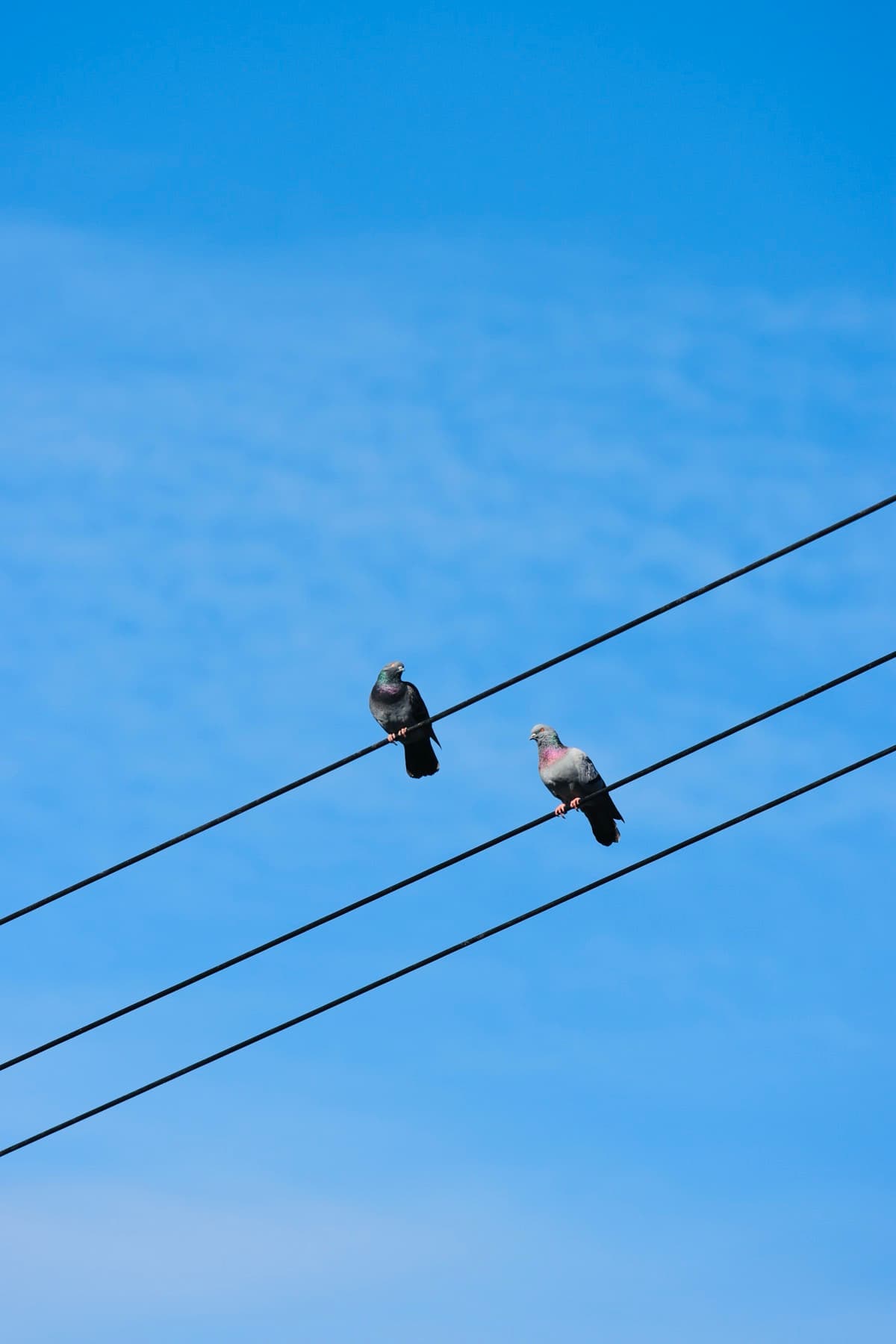
Graded in Filmera
Everything happens on your device. No account, no cloud, no upload — your photos never leave your iPhone.
presets — and always growing
colour, masks, reshape, stacking & more
on-device — private by design
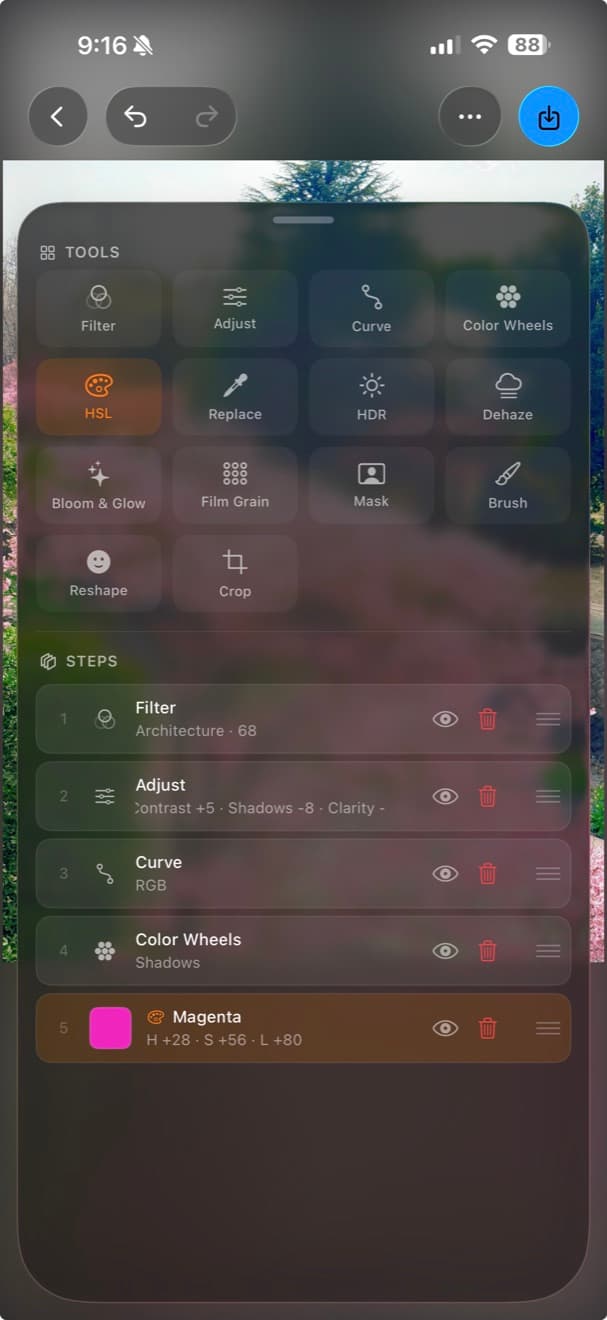
Fourteen tools. One photo.
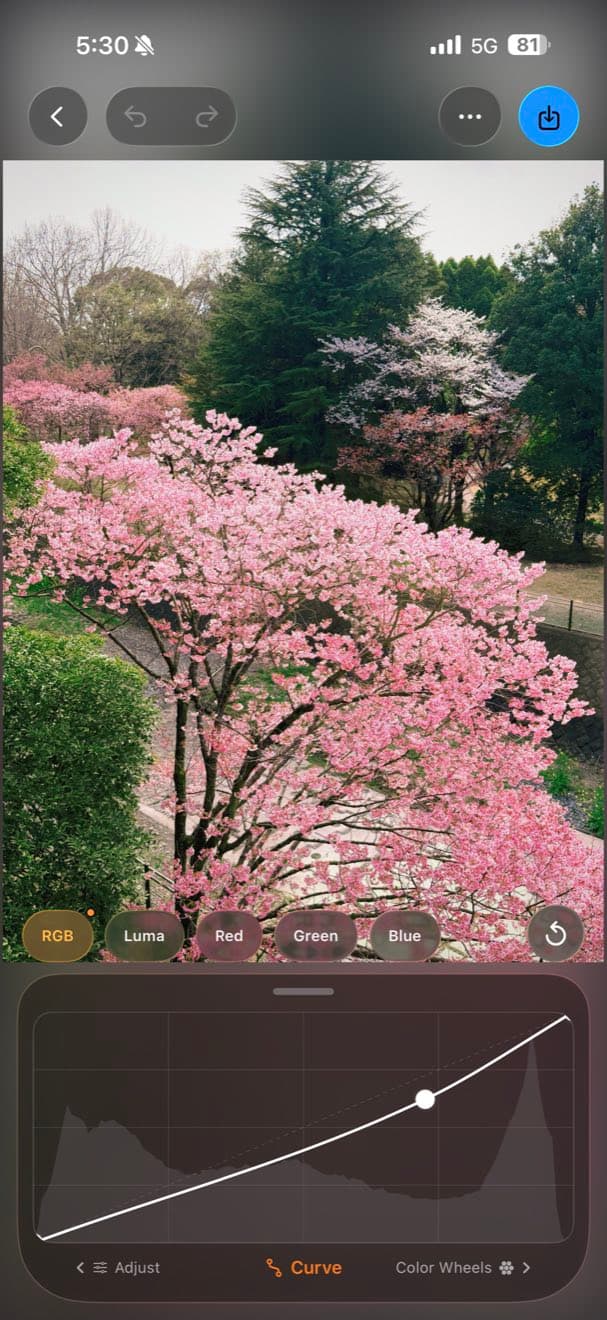
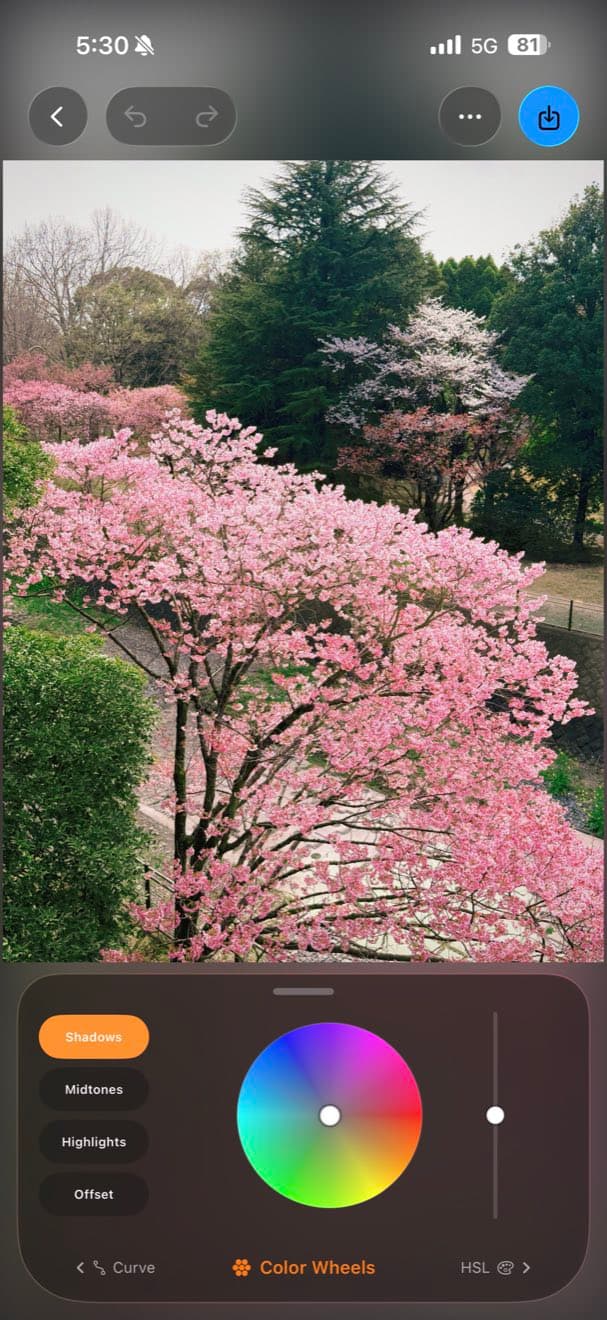
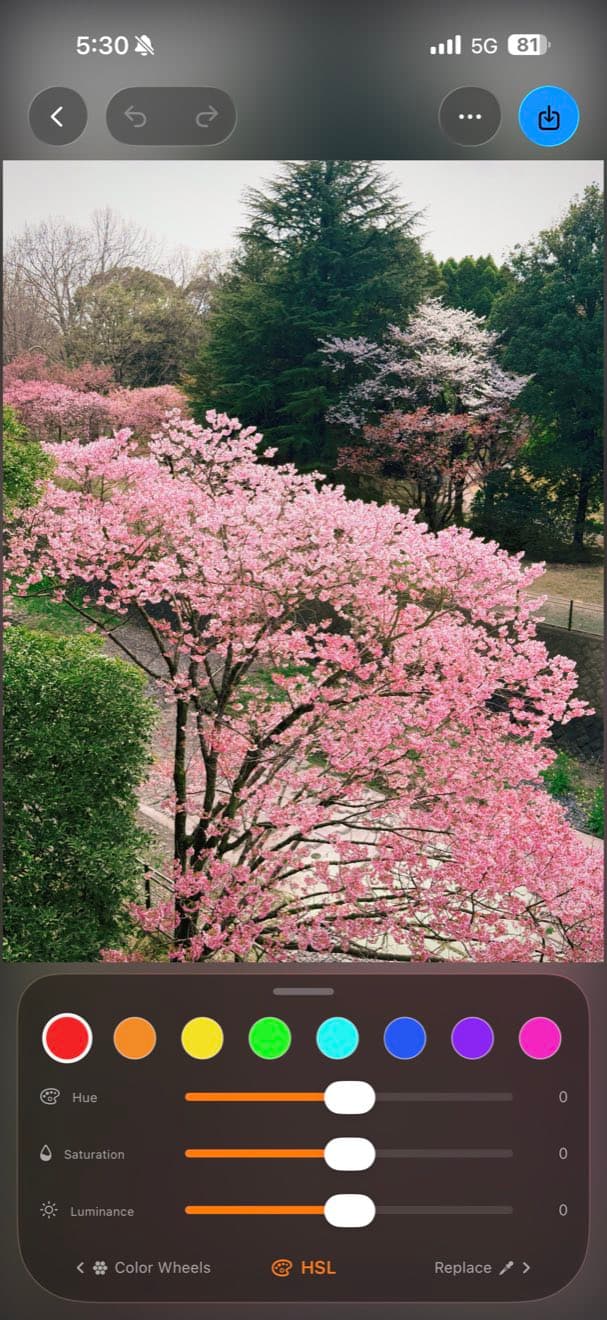
Stack Filter, Curve, Color Wheels, HSL, masks and a brush on a single frame, and see the whole chain live as you work. Every visit to a tool becomes a step you can revisit, disable or reorder — like layers, not like undo.
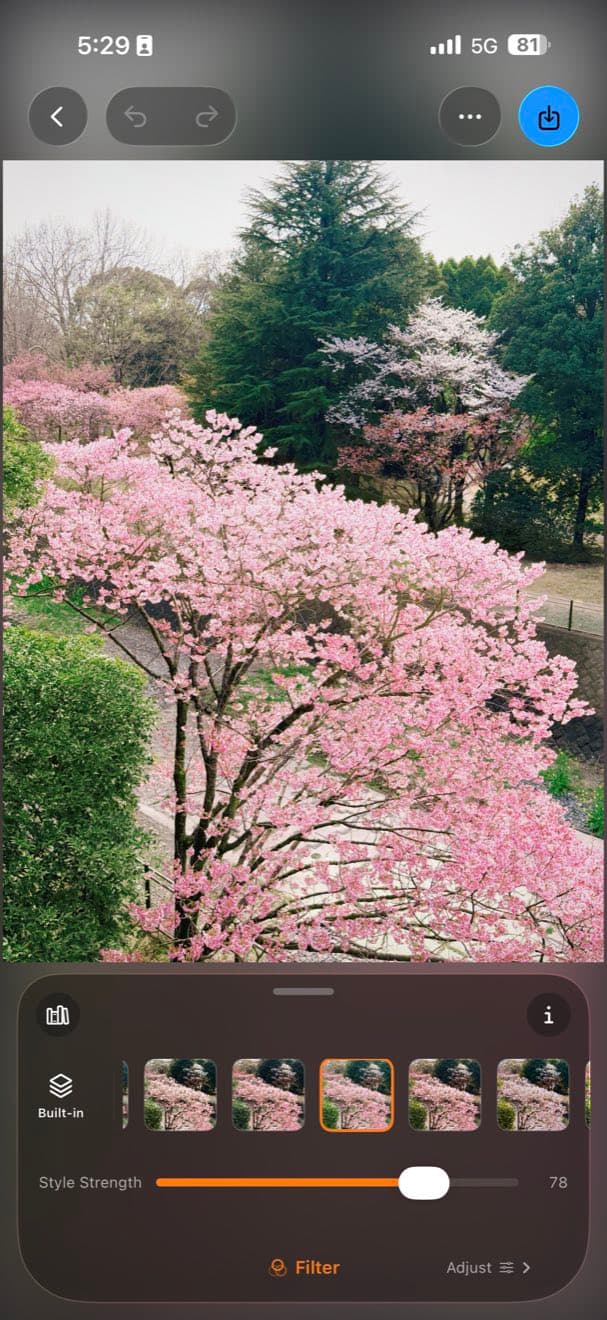
A whole shelf of looks.
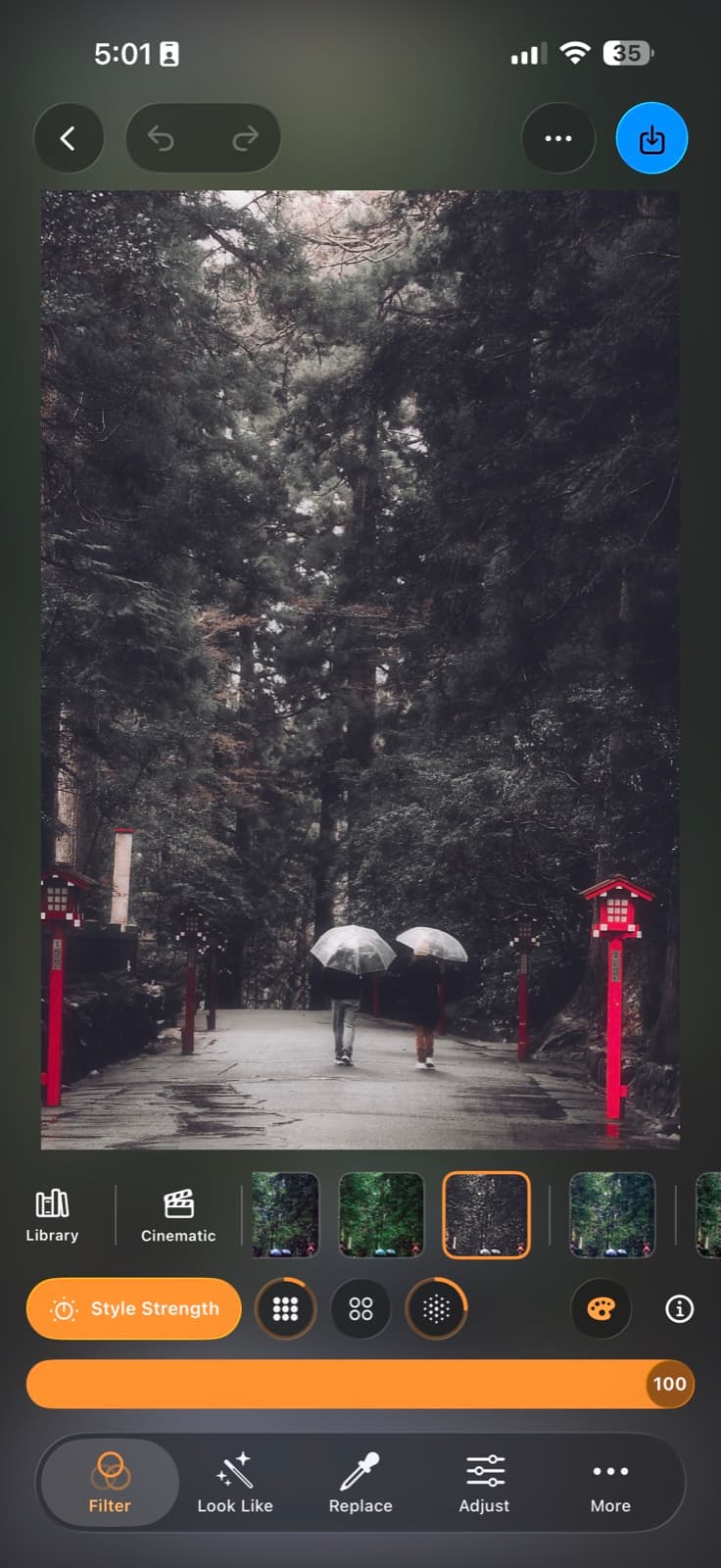
Over 200 hand-tuned presets — cinematic, film-stock, negative, black-and-white, Fuji-style and more — each finished with real grain. Dial the strength to taste, pin your favourites, and check back often: the collection keeps growing with new looks.
Grain that behaves like film.
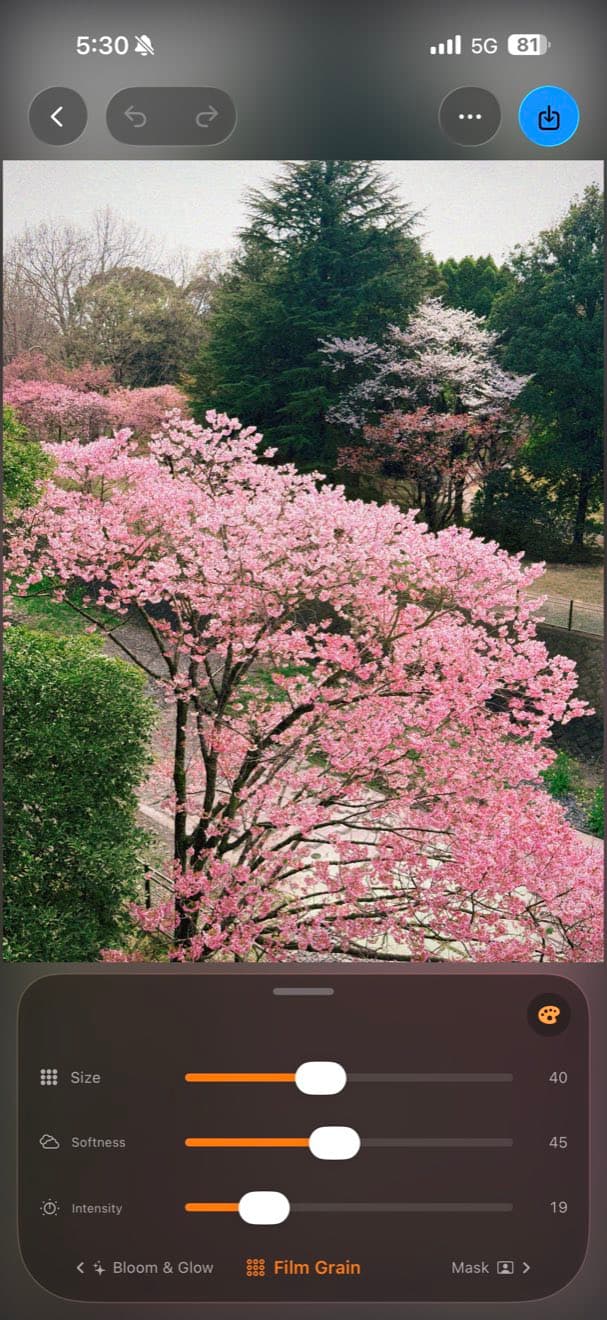
Not a noise overlay — Filmera's grain reacts to the image, finer in the highlights and heavier in the shadows, the way real film does. It settles into the photo instead of sitting on top of it. Tune size, intensity and softness, in colour or mono.
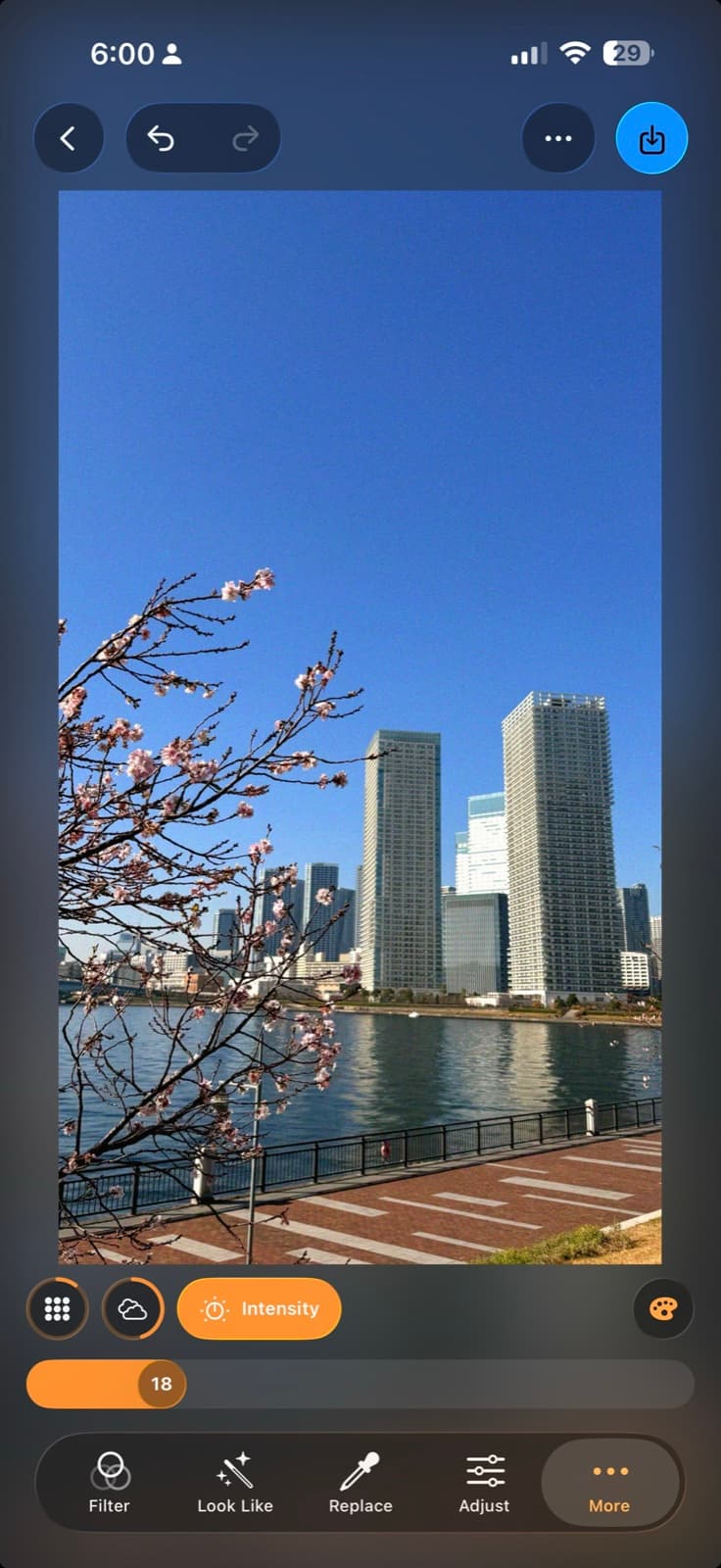
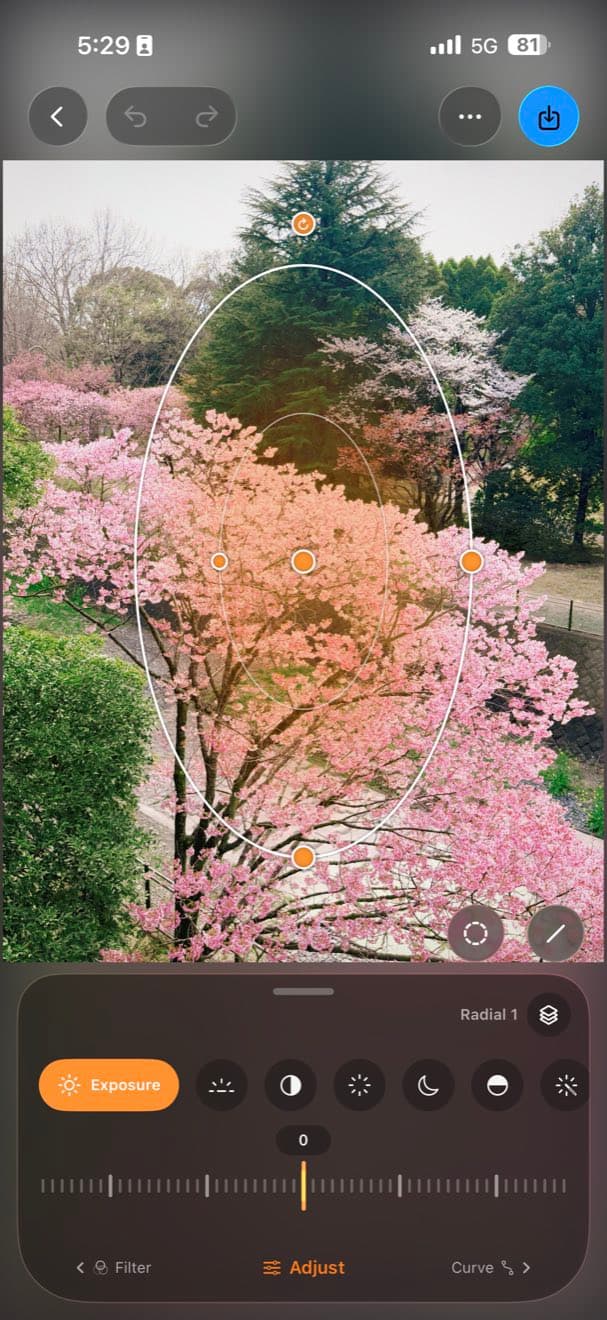
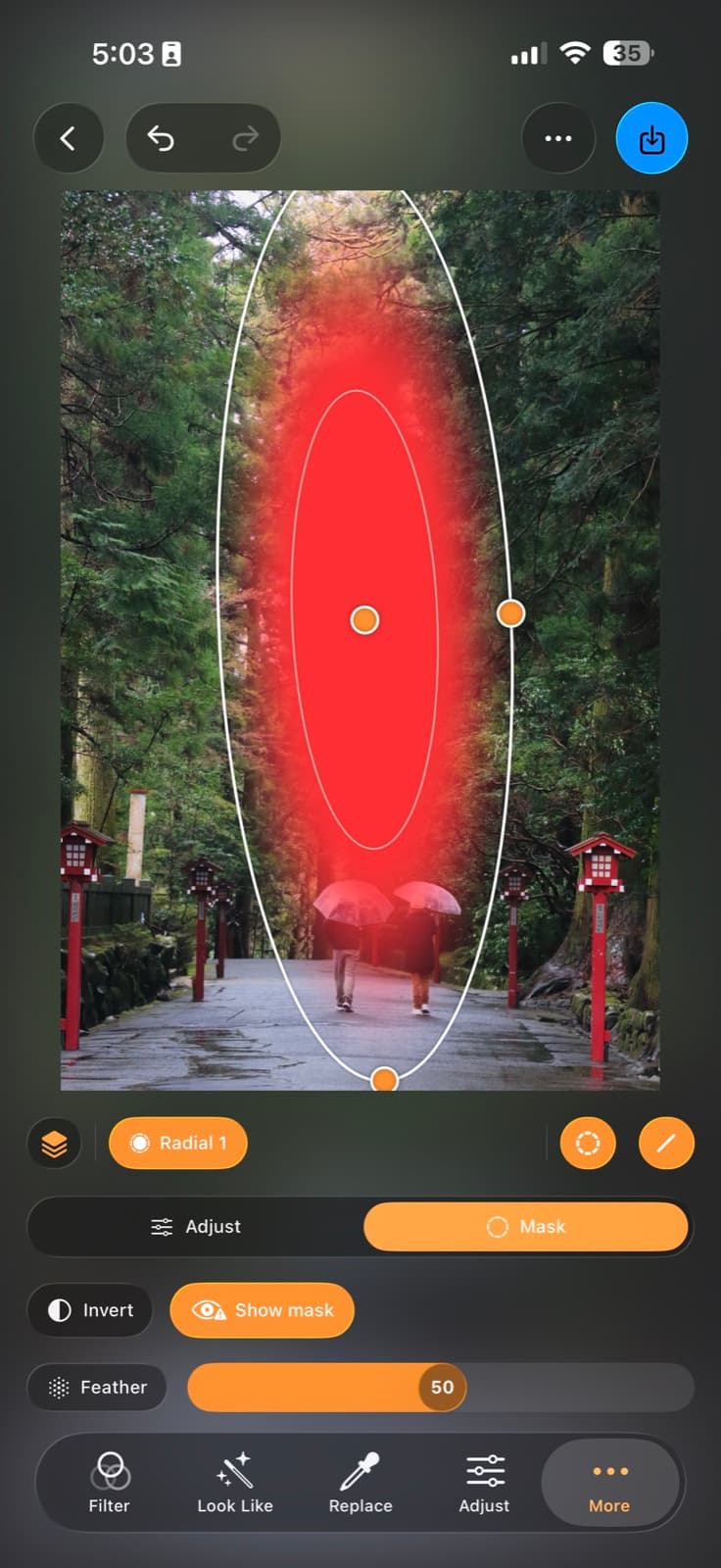
Light exactly where you want it.
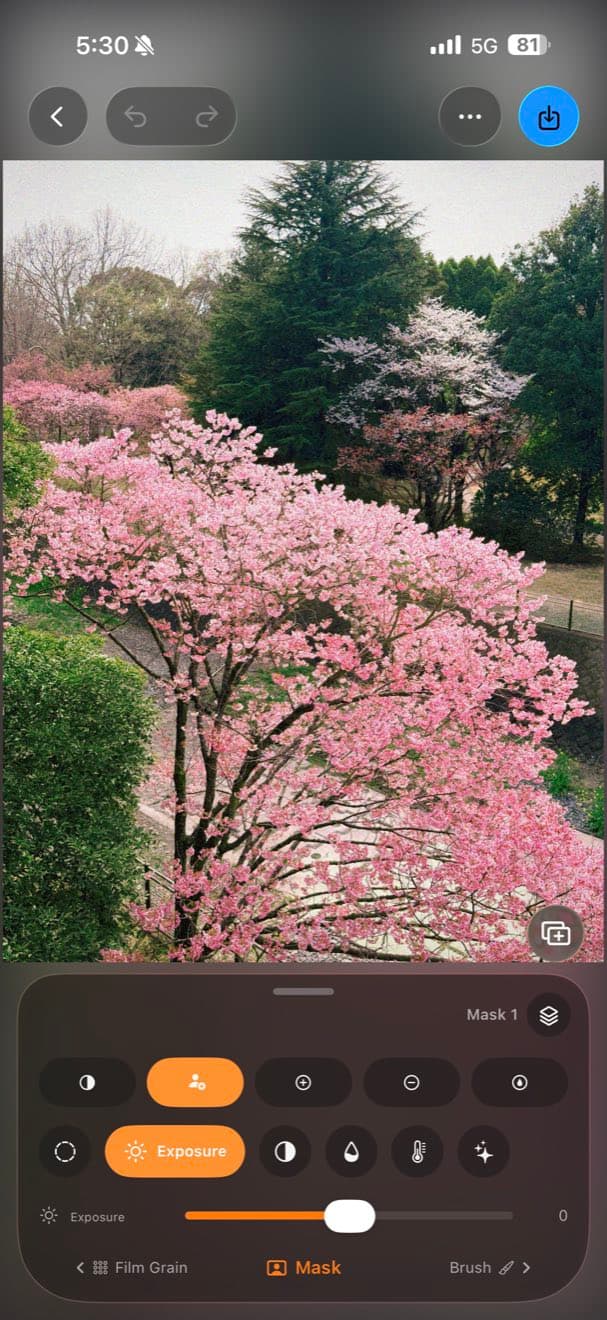
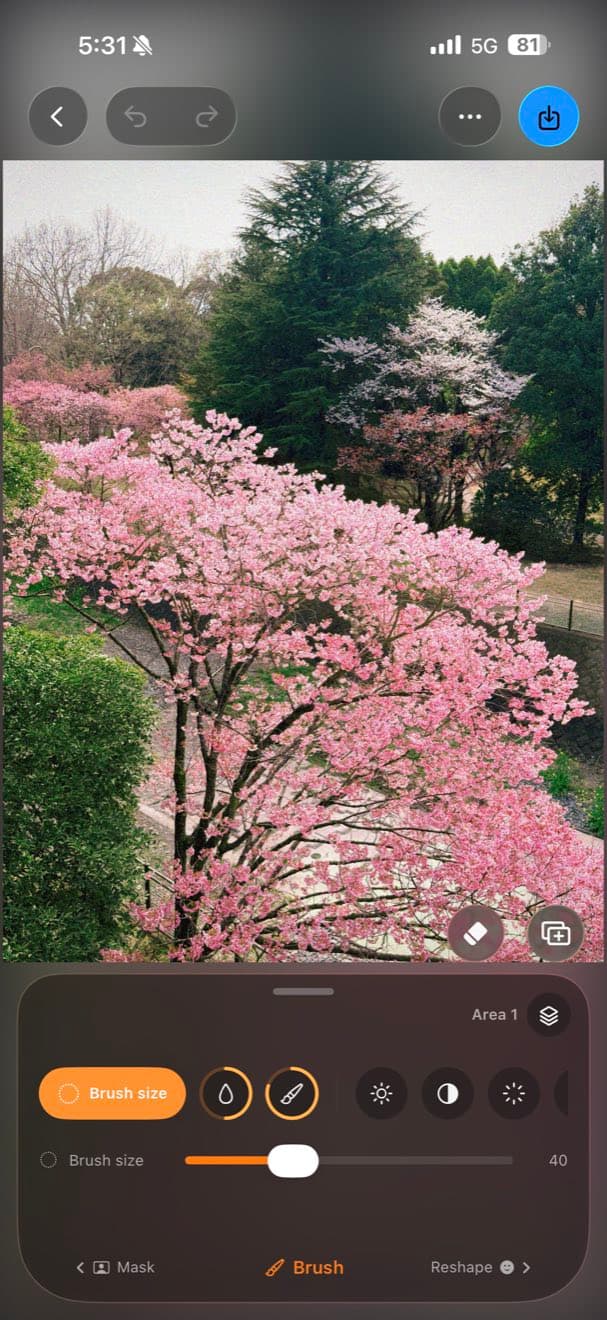
Drop a radial or linear mask and push exposure, colour and contrast on just that area — brighten a face, deepen a sky, guide the eye. Feather the edge so no one ever sees the mask.
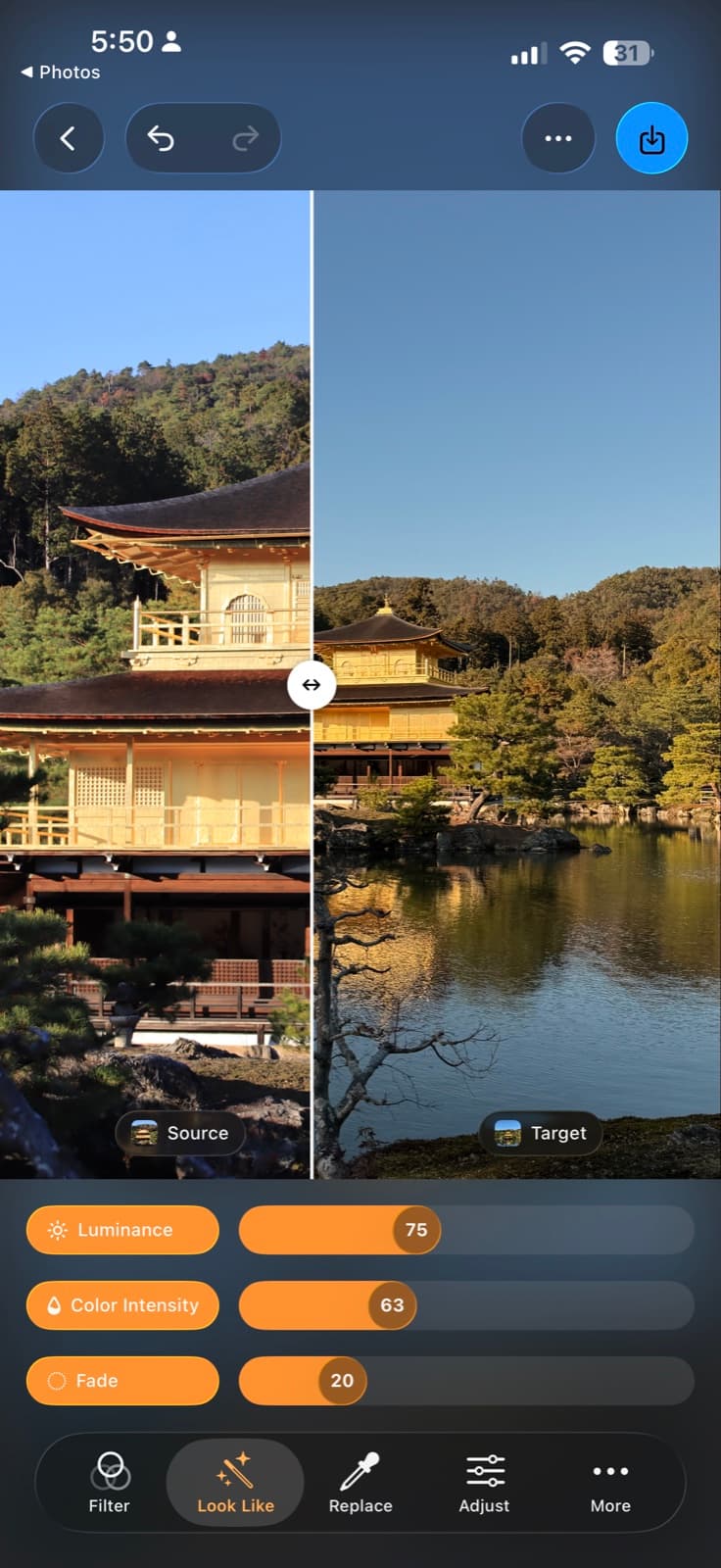
Steal any photo's colour.
Point Filmera at a photo whose mood you love and it transfers that grade onto yours — luminance, colour and fade, all adjustable. The look you've been chasing, matched in a tap.
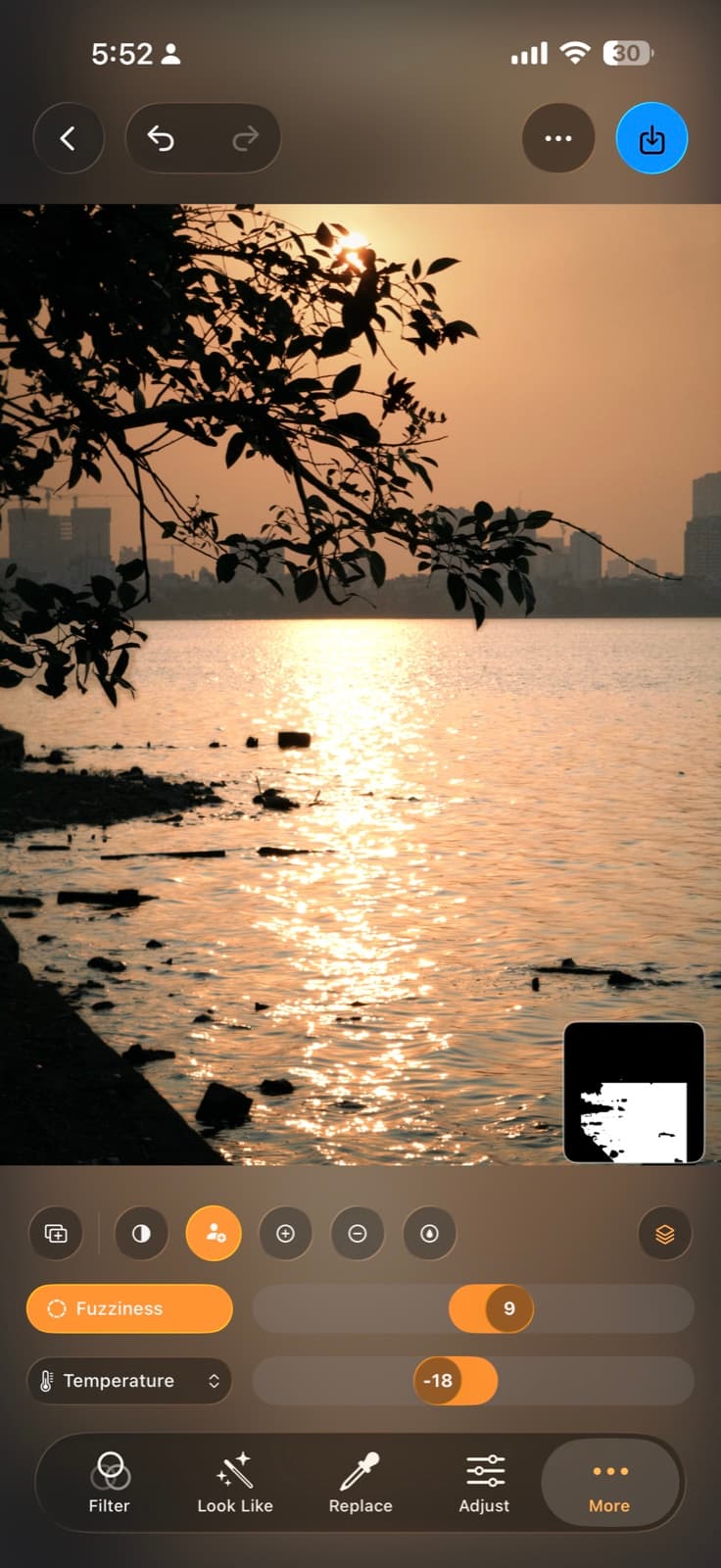
Adjust just one thing.
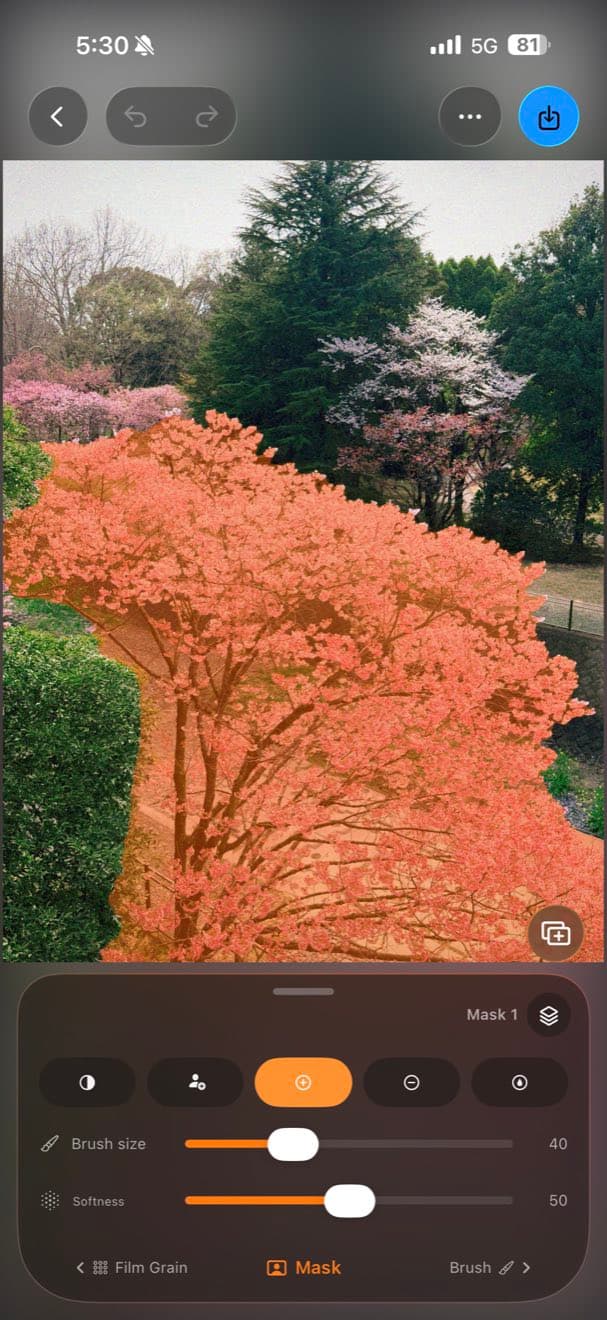
Tap a subject or a colour and Filmera selects it — sky, water, a jacket — then push its exposure, warmth and saturation on its own, while the rest of the frame stays put.
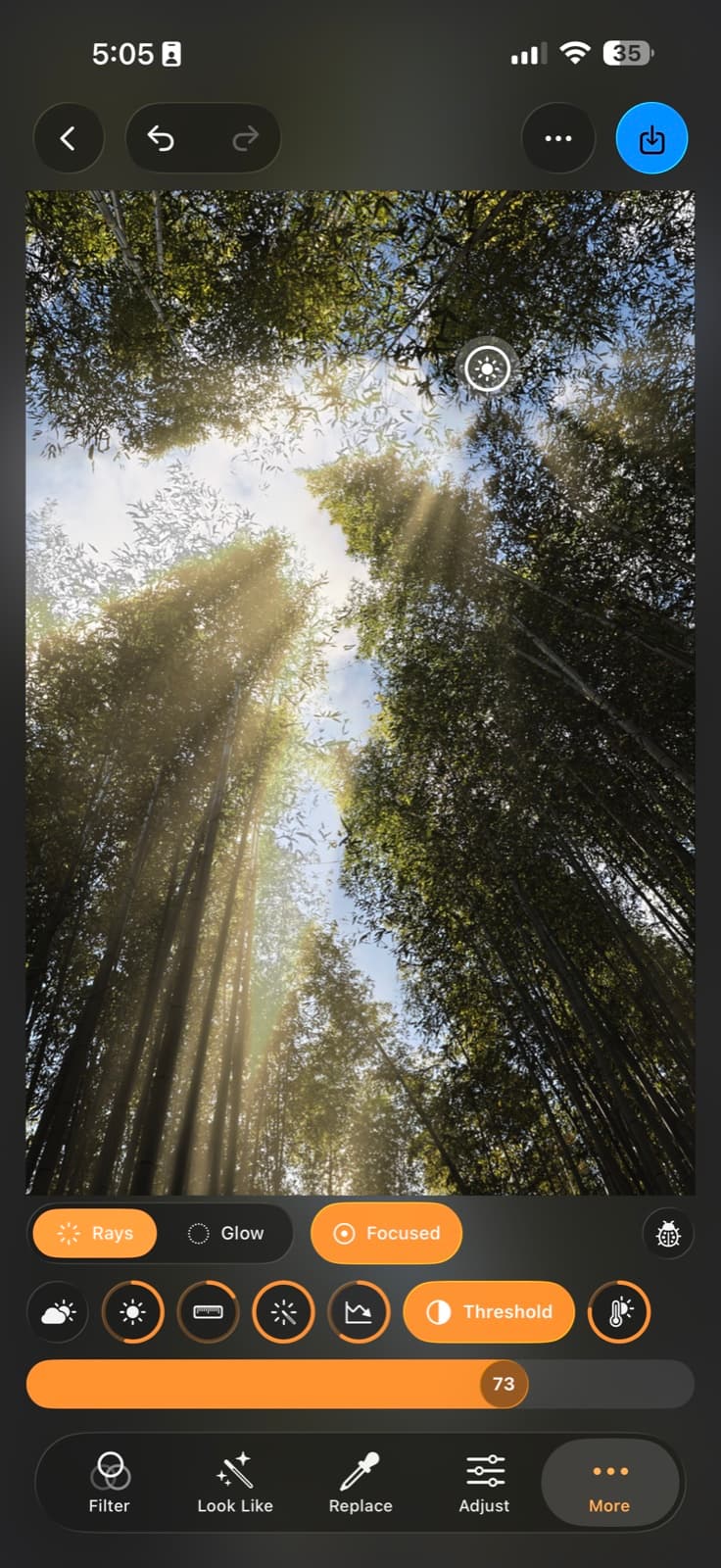
Paint the light back in.
Cast volumetric god-rays through trees, windows and mist. It's depth-aware, so the beams fall where they naturally should — not a flat overlay, but light that belongs in the scene.
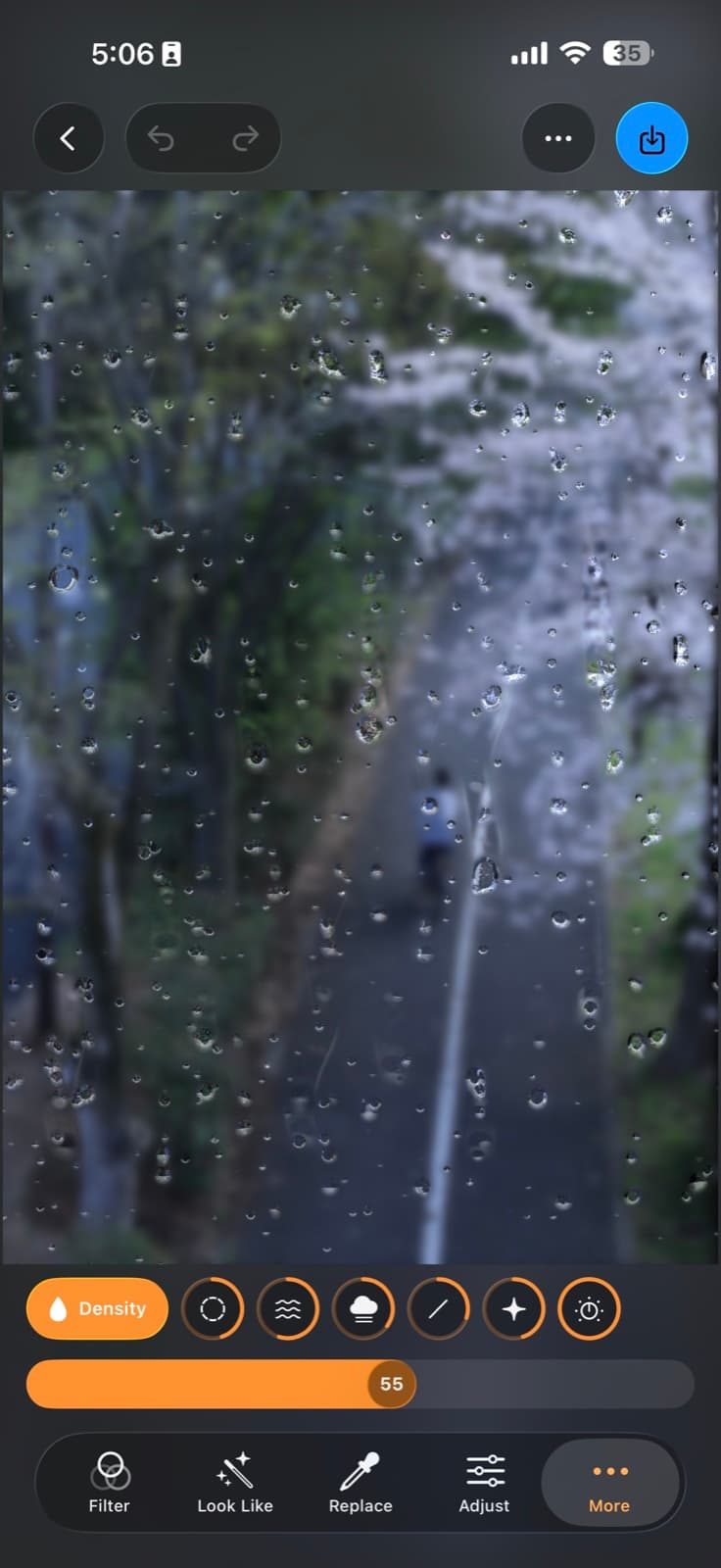
Weather on demand.
Lay believable rain over any photo — droplets, running trails and soft fog on the glass — for a moody, cinematic frame, tuned with a few simple sliders.
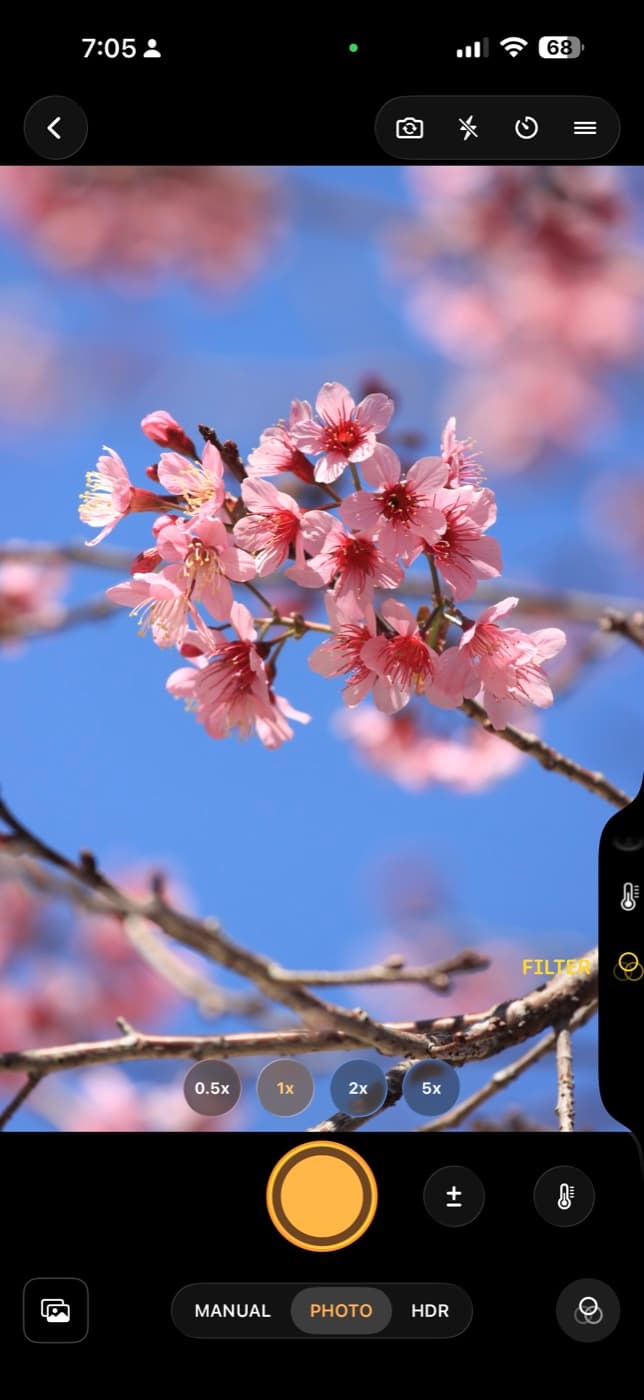
It starts before the edit.
Filmera has a real camera — shoot with live filters, manual exposure, white balance and every lens. On iPhone 16 and later it works with the Camera Control button: press to jump straight in, slide to adjust, press again to capture — without touching the screen.
Keep what the sensor really saw.
Two ways to hold on to more of the scene — before a single slider is touched.
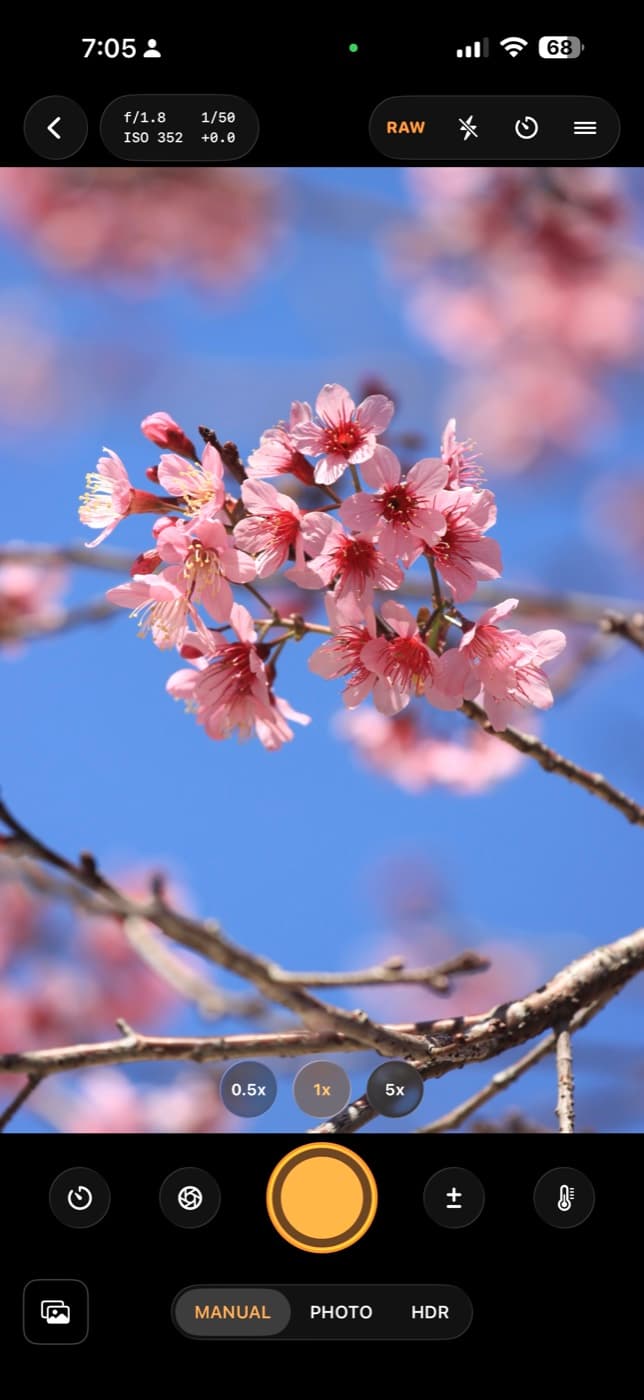
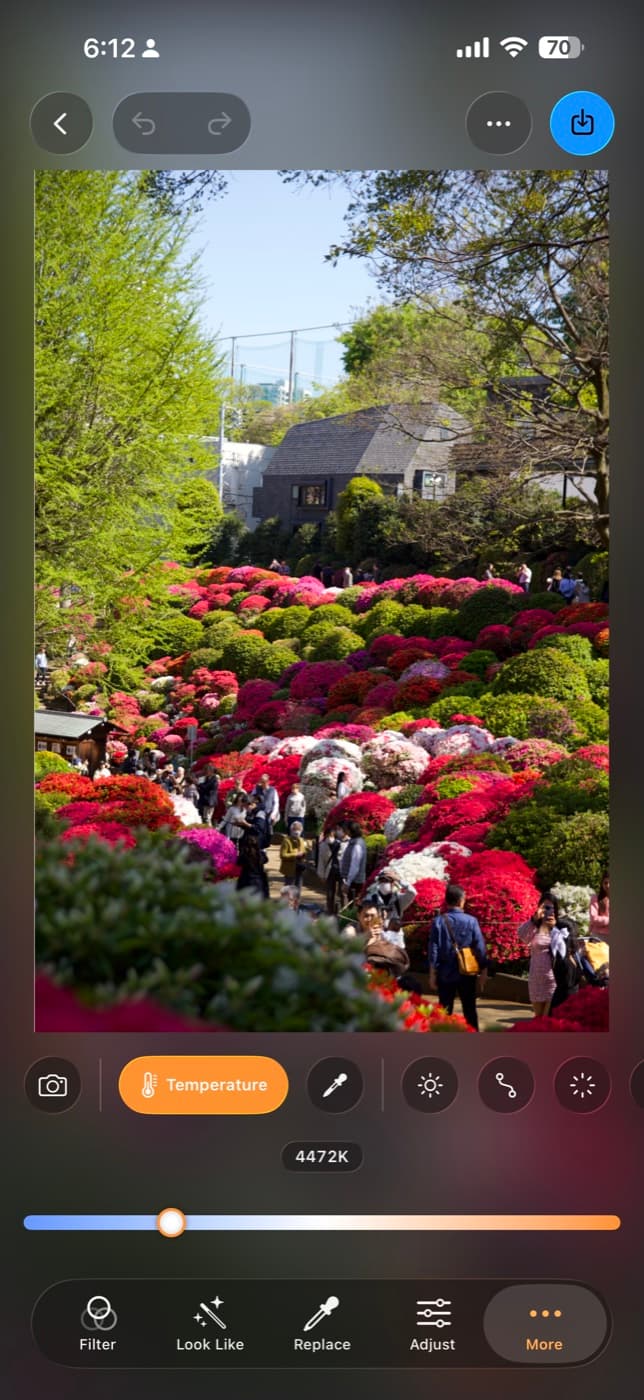
Bayer RAW
Manual mode writes a true DNG straight off one lens: no fusion, no smoothing, none of the phone's computational look. Set shutter and ISO by hand, then pull back white balance, exposure and highlights later with everything the sensor recorded still there.
HDR capture
Three exposures in a burst, aligned and merged into one frame that keeps both the sky and the shadows. Natural blends them the way your eye sees it; True HDR writes a gain map so highlights actually glow on an HDR display.
Shoot from across the room.
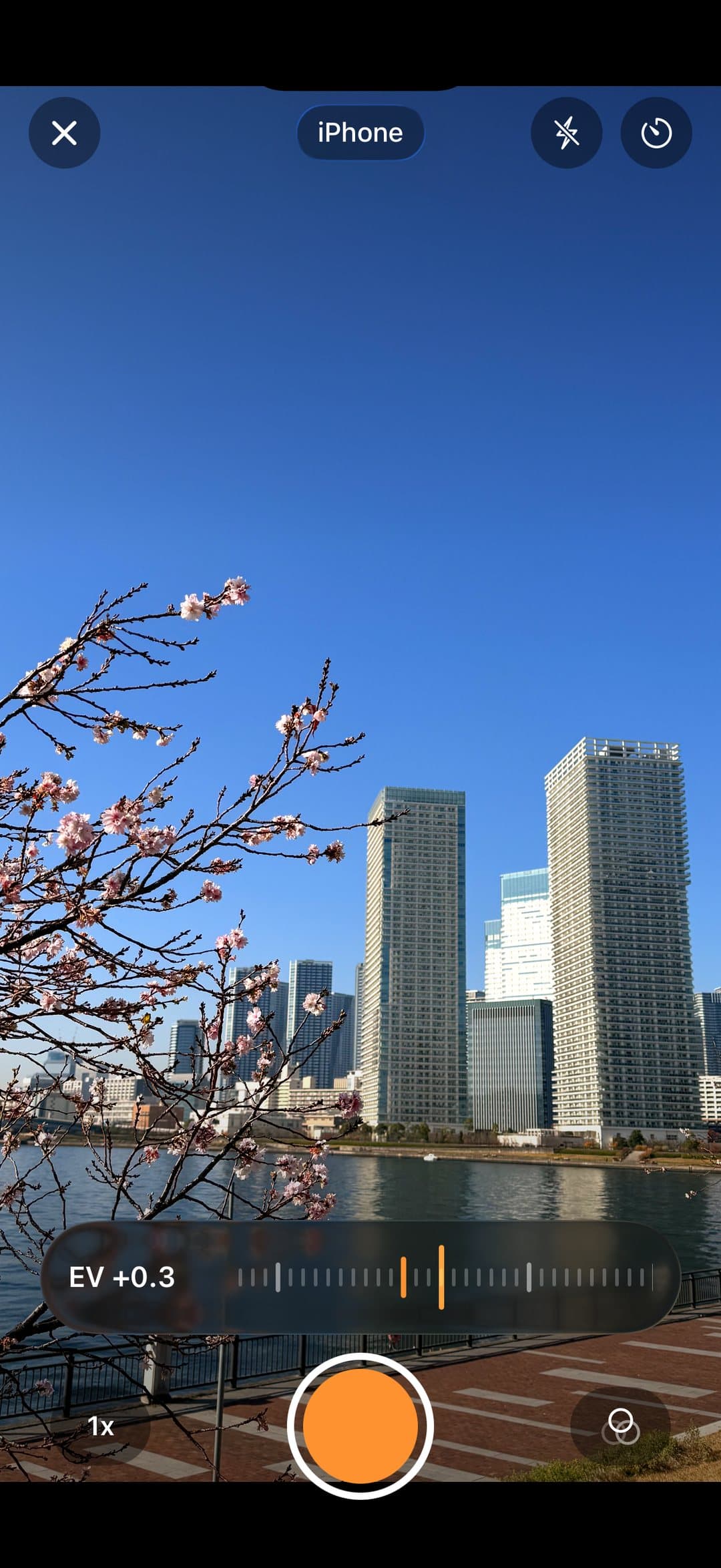
Frame it, then fire it from your wrist or a second phone. Live preview, EV, lens, filter, flash, self-timer and tap-to-focus — right in your hand. Peer-to-peer over Wi-Fi and Bluetooth: no internet, no cables.
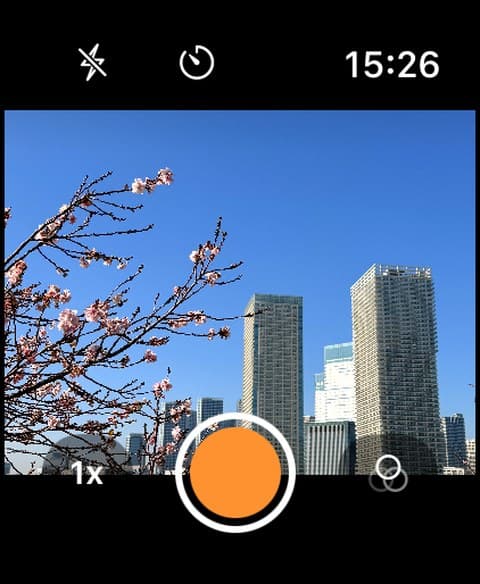
Apple Watch
A full viewfinder on your wrist. Turn the Digital Crown for EV, tap to lock focus, and release the shutter from meters away.
A second iPhone
Turn any nearby iPhone into a bright, full-screen remote — sharp live preview, a real EV ruler and every control.

Made for people who care how a photo feels.
And plenty more where that came from.
Double exposure
Blend a landscape inside a portrait's silhouette, with brush-refined masks.
Curves · HSL · Colour wheels
Full pro colour grading — tone curves, targeted hues and 3-way wheels.
Reshape
Face-aware, gentle liquify for portraits.
Bloom & glow
Soft, dreamy highlights and halation.
HDR & dehaze
Recover range and cut through haze.
RAW camera
Shoot with live filters, EV and white-balance control.
Compose & watermark
Layer text, frames and signatures.
Exposure & focus stacking
Merge frames for range and sharpness.
This is just the first roll.
Filmera is updated often. New presets land regularly — for free — and bigger creative tools are on the way. Buy in once and it keeps getting better, roll after roll.
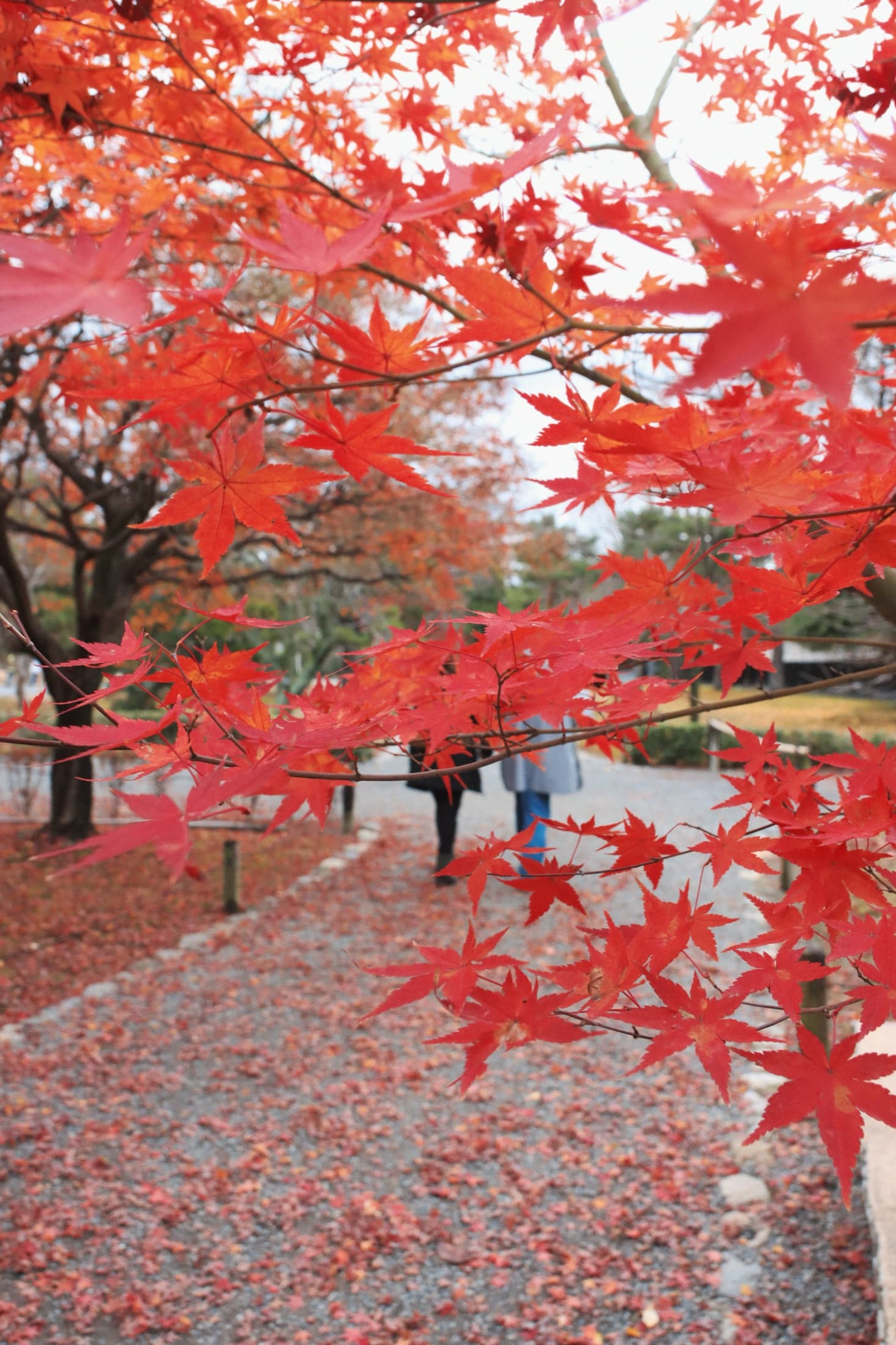
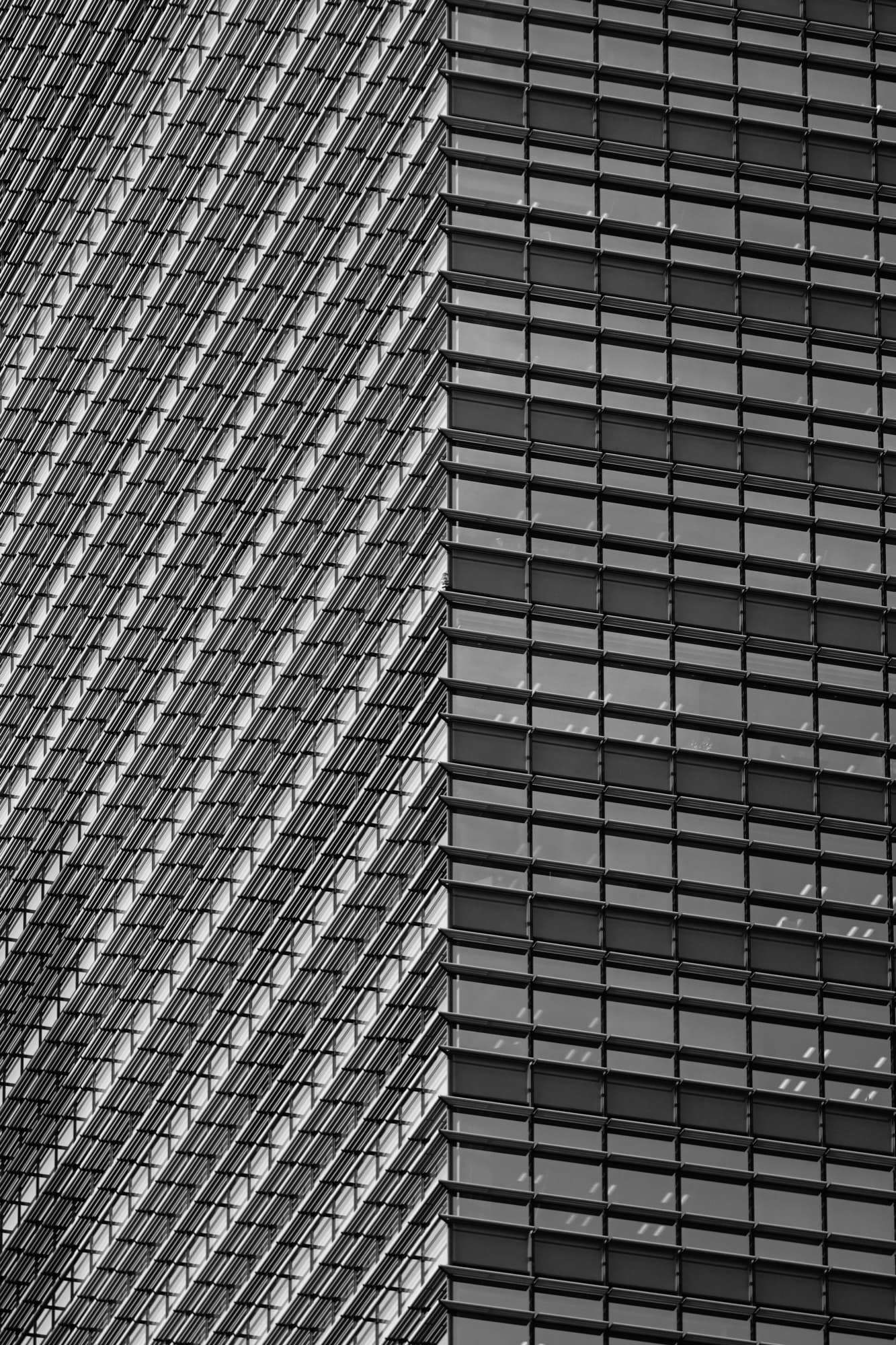
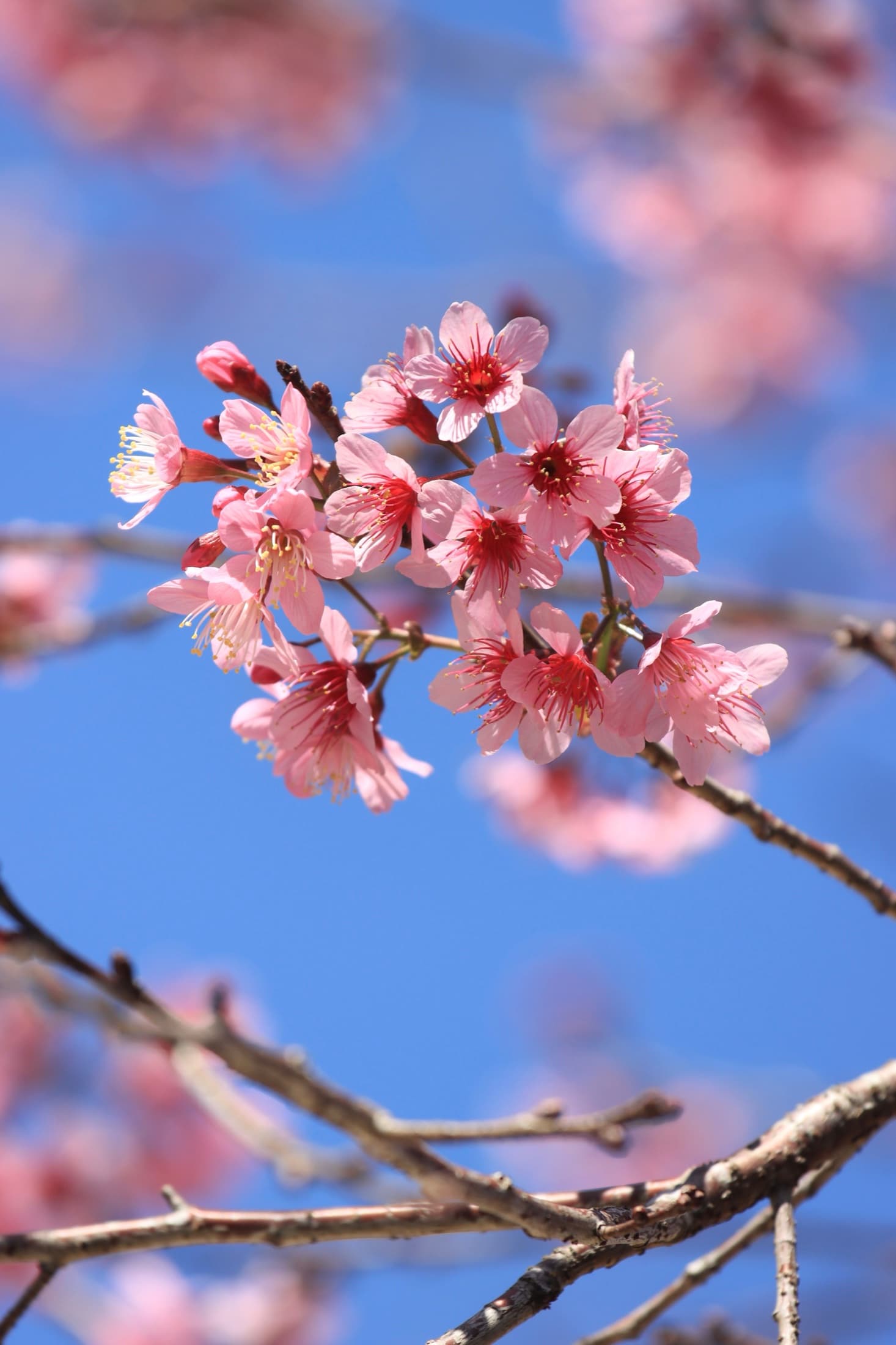
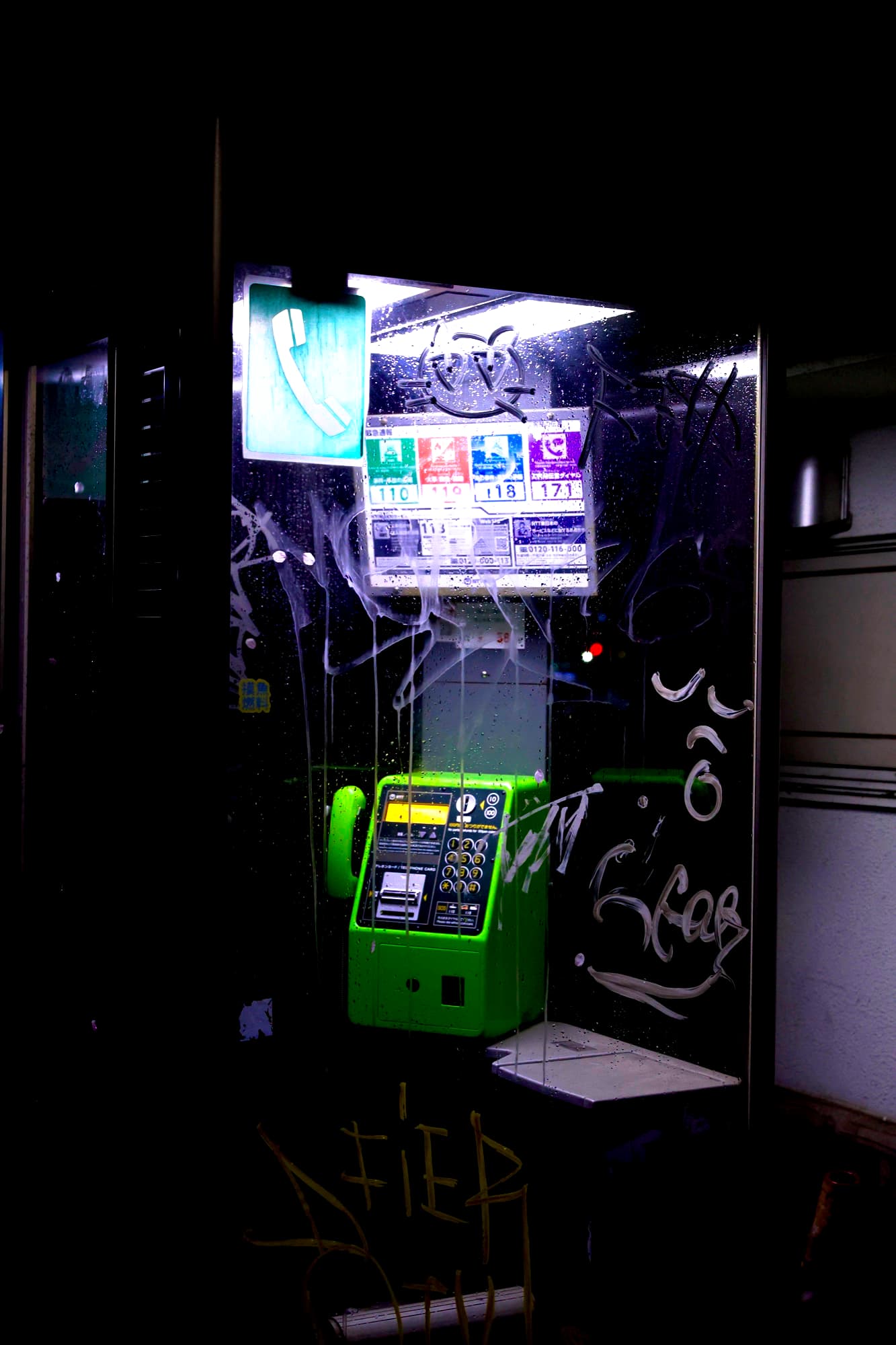
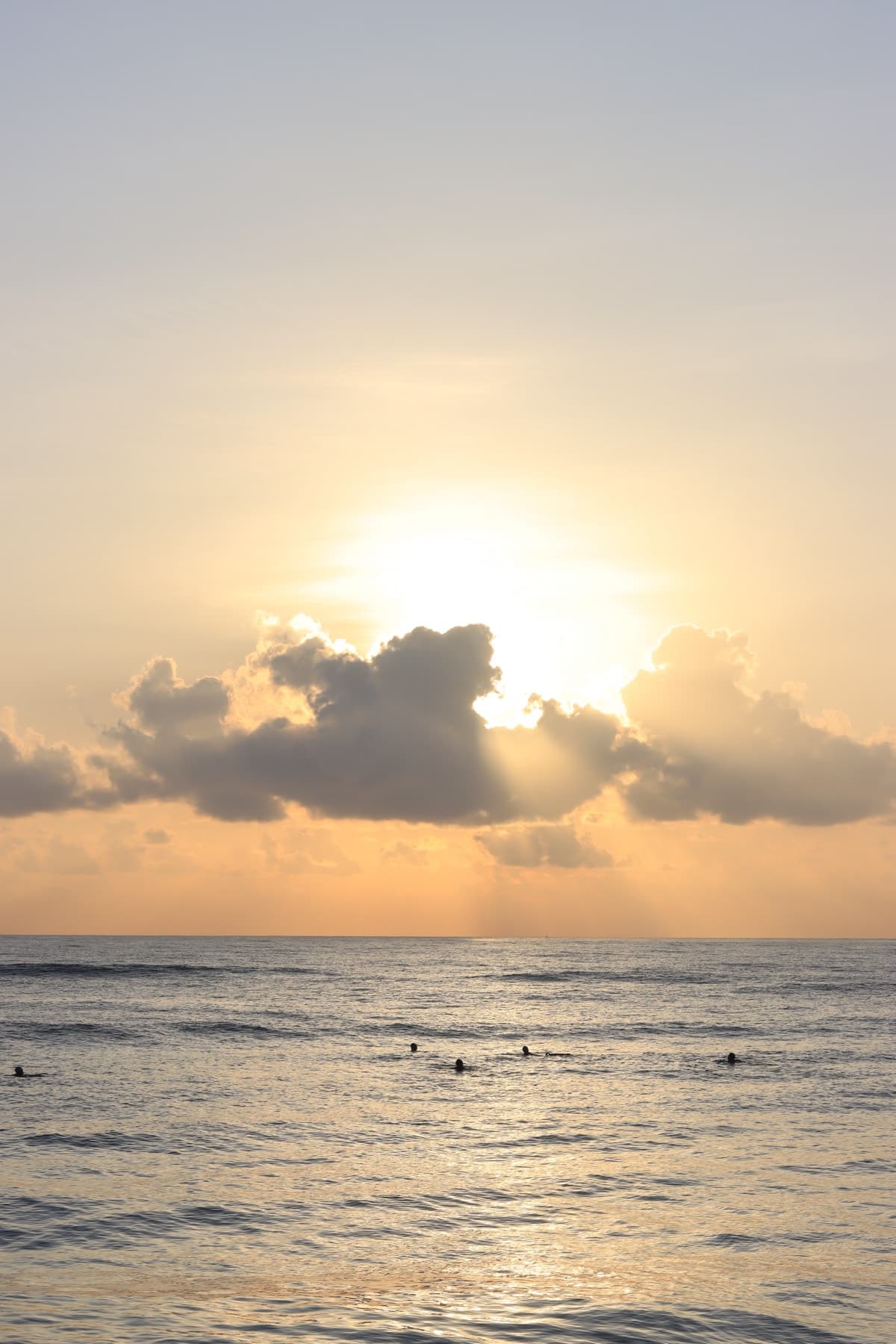
We never see your photos.
Every edit runs on your iPhone using Apple's own frameworks. There's no account to create, no analytics, no tracking and no server — because there's nothing to send. Private by design, not by promise.